How to Make AI Couple Photos Look More Realistic
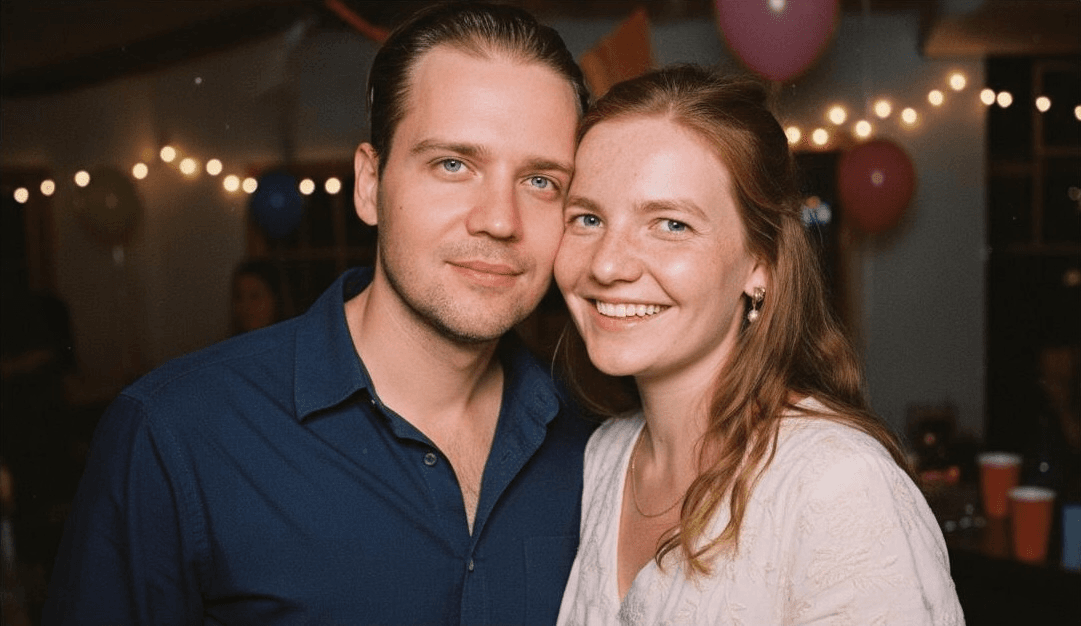
Most fake-looking AI couple photos fail for reasons you can spot in seconds. The faces drift away from the real people. The pose feels stiff. The lighting looks disconnected. The whole image may be visually polished, but it still does not feel believable.
The good news is that realism is not random. Better source photos, better style choices, and a workflow built for resemblance usually matter far more than prompt experimentation in a generic image tool.
Why AI couple photos look fake
The most common causes are:
- weak source photos
- over-stylized scenes
- generic tools that prioritize aesthetics over likeness
- visual mismatch between the two subjects
- awkward pose logic
If the image feels polished but not personal, realism is already broken.
Start with better source photos
If the faces are not clearly readable, the final image usually loses resemblance fast.
Best practice:
- open face
- natural expression
- soft or even lighting
- minimal filters
- current appearance
Avoid:
- sunglasses
- harsh shadows
- strong beauty edits
- blurry screenshots
- extreme angles
Choose styles that help realism
Some scenes naturally support realism better than others.
Most reliable starting styles:
- studio
- golden hour
- wedding editorial
- clean winter scenes
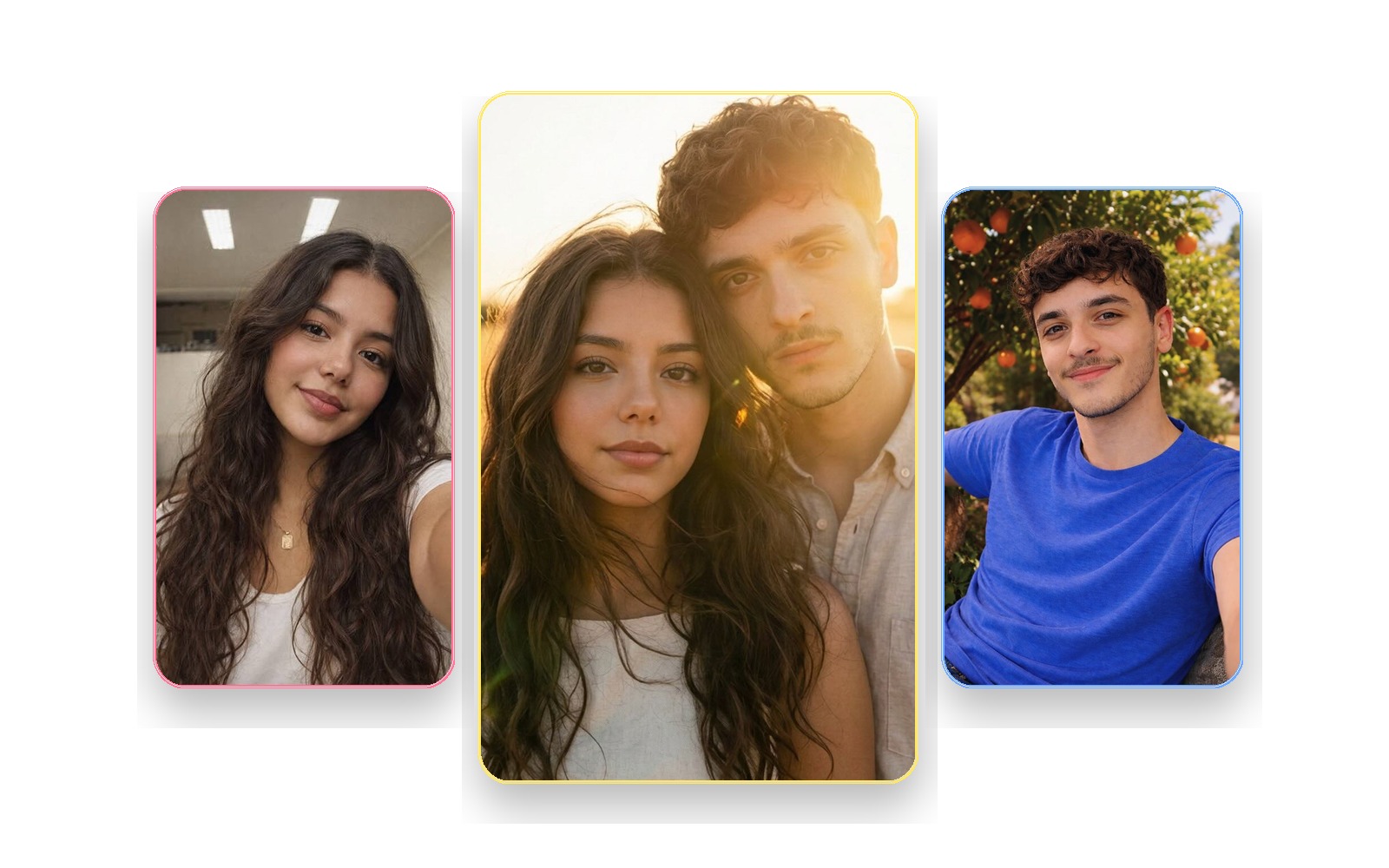
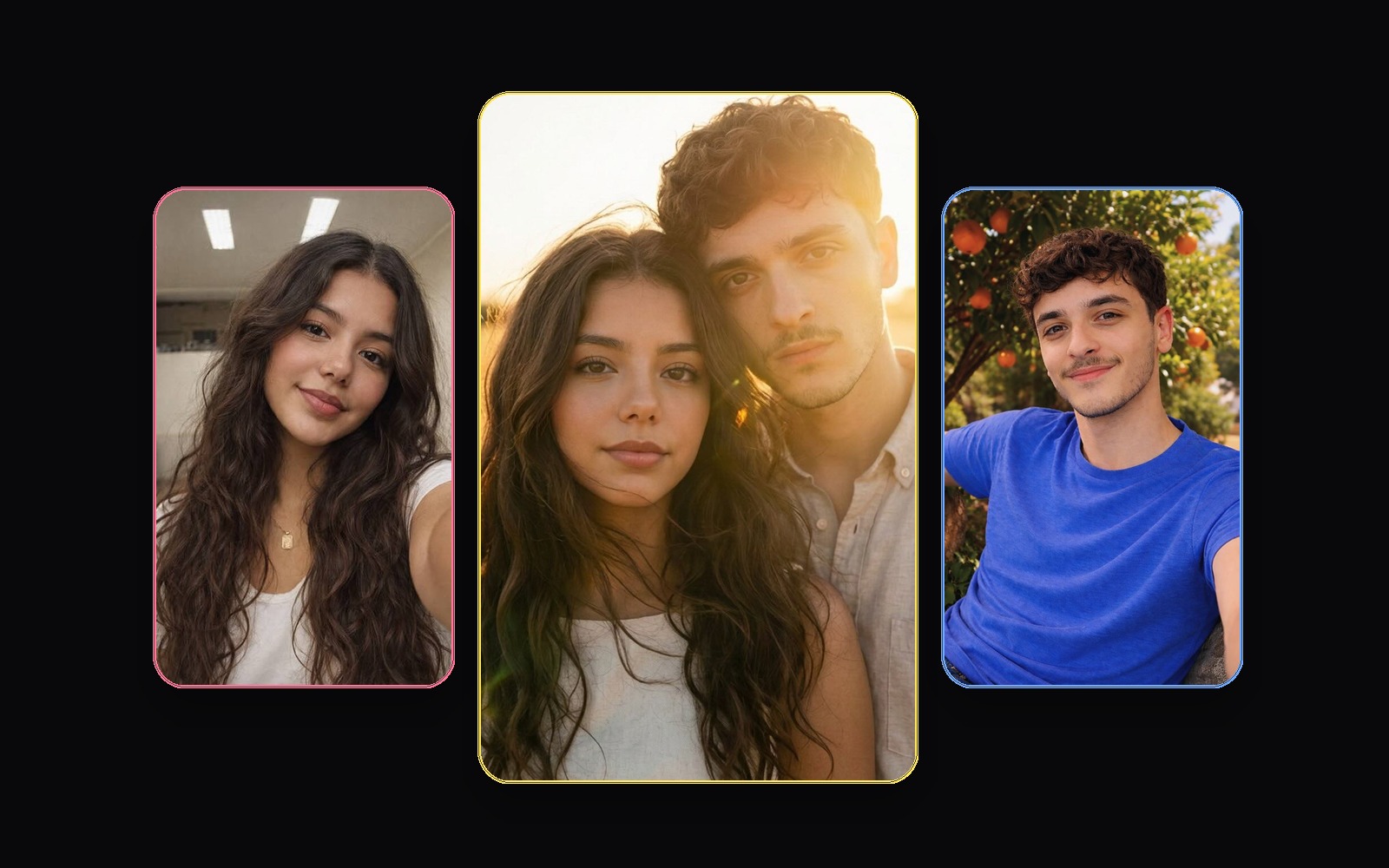
Why these work:
- they make lighting easier to unify
- they flatter faces
- they reduce visual chaos
- they make the final result feel like a real photoshoot
Watch for the three realism tests
When reviewing a result, ask:
- Do both people still look like themselves?
- Do they look like they belong in the same scene?
- Would the image still feel convincing if you did not know it was AI?
If the answer to the first question is weak, replace the input photos. If the second question is weak, choose a cleaner style. If the third question is weak, the overall composition is probably too synthetic.
The source-photo mistakes that hurt realism fastest
- one photo is much better than the other
- one face is partly hidden
- the expression is exaggerated or forced
- the image is heavily filtered
- the face is too small in frame
Realism is not only about the model
People often assume realism is purely technical. It is not.
Realism comes from:
- the quality of the source photos
- the scene direction
- the couple composition
- the visual coherence of the final image
That is why specialized couple-photo workflows usually outperform generic image tools for this use case.
What usually improves the next attempt
If a result feels off, fix the input before you blame the style.
Best order of operations:
- Replace the weakest source photo
- Choose a cleaner style
- Avoid novelty-heavy concepts on early attempts
- Re-check whether both people still look like themselves
Final recommendation
If you want AI couple photos to look real, do not chase complexity. Use clearer source photos, choose more grounded styles, and use a workflow that treats resemblance and composition as core requirements rather than nice extras.
FAQ
Why do faces sometimes look different in AI couple photos?
Usually because the source photos were weak, over-edited, badly lit, or too inconsistent.
Should I use filtered selfies?
No. Mild editing may be survivable, but strong filters usually make realism worse.
Which style looks the most realistic?
Studio and golden-hour styles are often the safest starting point for believable results.
Can AI couple photos still look real if we never took a photo together?
Yes. That is one of the best use cases for a strong couple-photo workflow.