How to Make a Couple Photo from Two Photos with AI
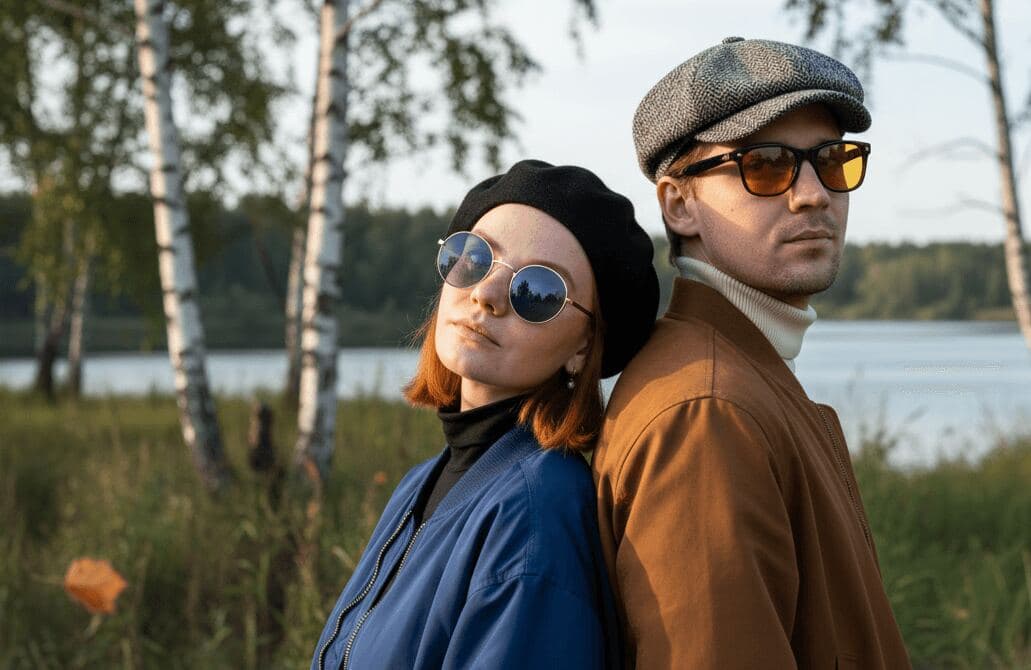
You can start with two separate photos of two people and turn them into one believable couple image. That is why this workflow is so useful for long-distance couples, anniversary gifts, and people who do not already have one strong photo together.
But there is one important clarification. In PairFuse, "from two photos" describes the starting point and the search intent. It does not mean that the best possible result always comes from only one photo per person. For serious quality, PairFuse usually works better when each role has 3 to 7 photos.
Quick answer
If you only remember five things, remember these:
- yes, you can start from two separate photos of two people
- no, one photo per person is usually not the best final setup
- PairFuse usually works best when each role has 3 to 7 photos
- the safest first styles are usually
studioandgolden hour - if the result is weak, replace the weakest input before changing everything else
If you want to try it now:
Who this workflow is for
This article is for you if:
- you have one separate photo of each person but no good photo together
- you are in a long-distance relationship
- you want an anniversary, birthday, or romantic gift image
- you want a polished couple portrait without organizing a real shoot
What "from two photos" really means in PairFuse
The user intent behind this article is simple:
- one photo of person A
- one photo of person B
- one final couple photo
That is a valid starting point. But if you stop there, you are asking the system to infer a lot from very little.
The honest PairFuse rule is:
- one photo per person can be enough to test the concept
- 3 to 7 photos per role is usually better for a serious result
So the best way to read this article is:
- start with two separate photos if that is what you have
- upgrade the set before your first serious attempt if you can
Step 1: Choose two usable starting photos
Your first two photos should be usable, not perfect.
What usually works:
- clear face visibility
- normal or soft expressions
- good light
- recent appearance
- no heavy filters
What usually hurts:
- sunglasses hiding the eyes
- hats, masks, or hands covering the face
- very dark or blurry photos
- tiny faces in frame
- old photos that no longer match current appearance
If your first two photos already fail here, do not move on yet. Replace them first.
Step 2: Upgrade from one photo per person to a stronger set
This is the step most users skip, and it is usually where quality is won or lost.
If you can, do not upload only one photo for each person. Add a few more photos for both roles before your first serious run.
Best practice:
- aim for 3 to 7 photos per role
- add a mix of front, three-quarter, and profile angles
- keep the appearance consistent
- keep the quality of both roles reasonably balanced
If you want the detailed rules for what counts as a good upload set, read:
Step 3: Run a compatibility check
The two people do not need matching backgrounds or matching outfits. But the inputs should still feel compatible enough for one believable scene.
Use this quick checklist:
- both faces are clearly readable
- both people look like themselves now
- one photo is not dramatically worse than the other
- both subjects are large enough in frame
- neither photo is heavily filtered or stylized
If one person has a crisp, flattering set and the other has one weak blurry selfie, fix the weaker role first. Balanced inputs matter more than people expect.
Step 4: Start with the safest style
Do not start with the most chaotic or stylized concept. Start with a style that makes realism easier.
The safest first styles are usually:
studiogolden hour
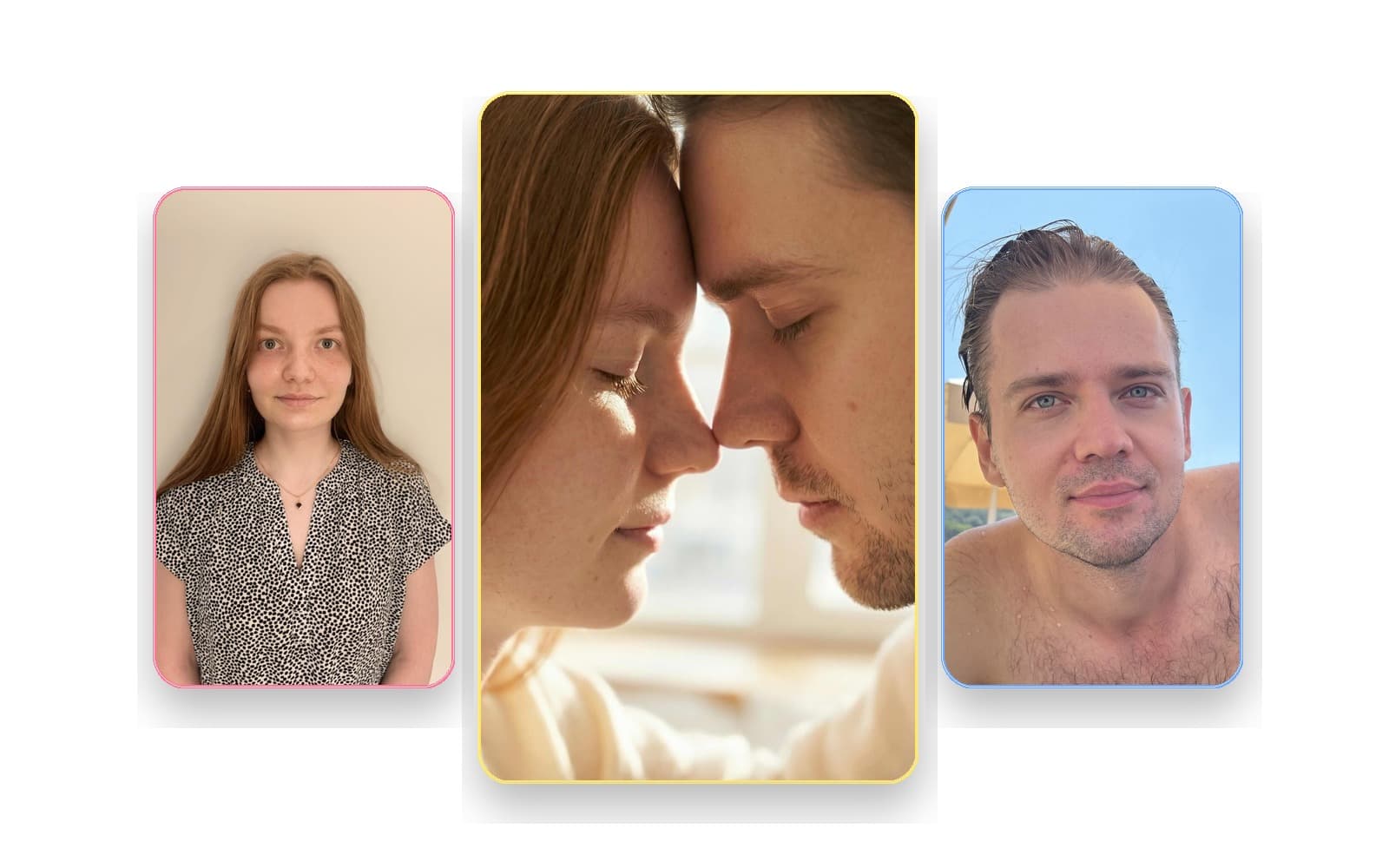
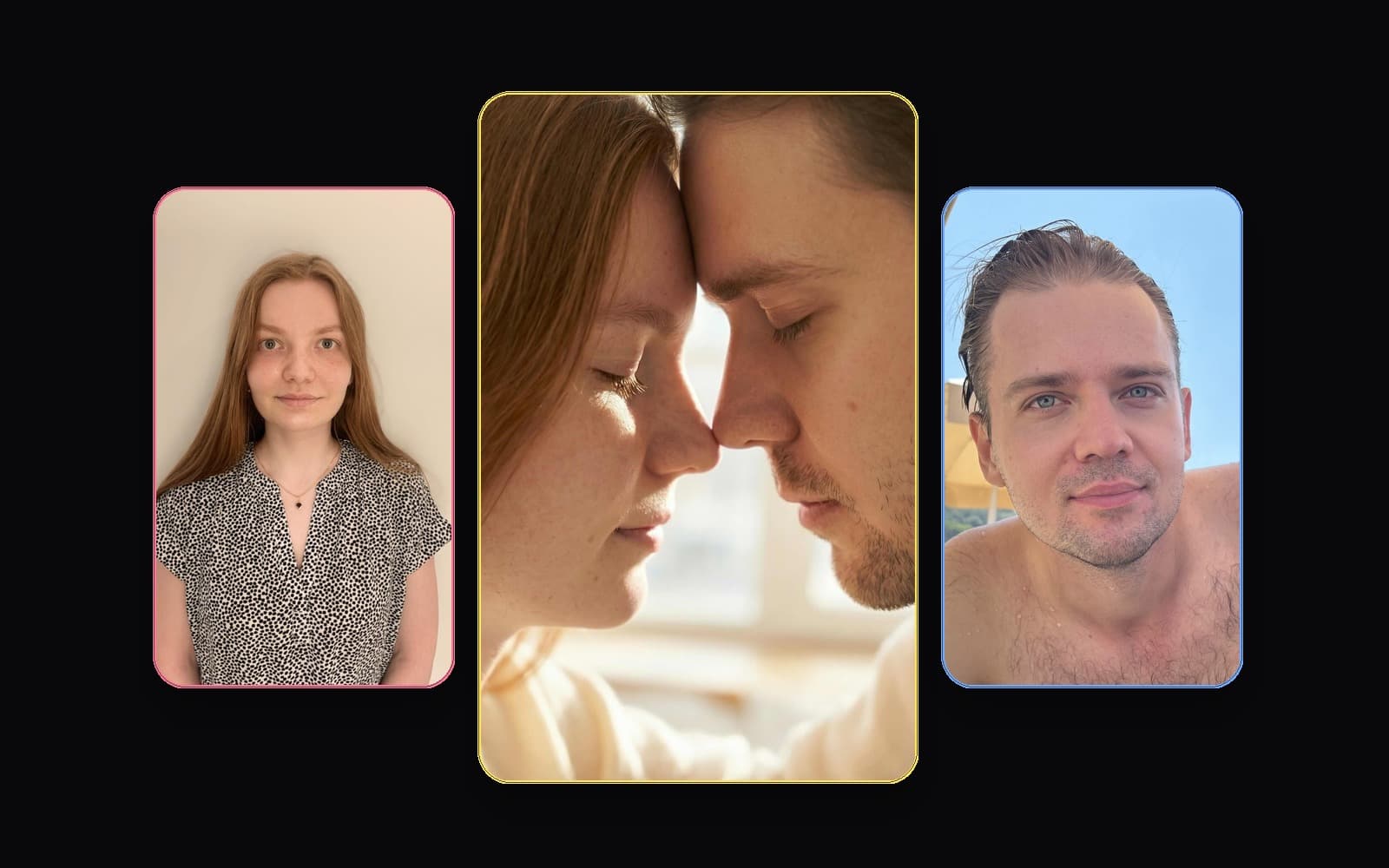
Why studio is so safe:
- the lighting is easier to unify
- the composition is cleaner
- the result looks intentional without being chaotic
- resemblance is easier to judge
Golden hour is usually the next-best first attempt:
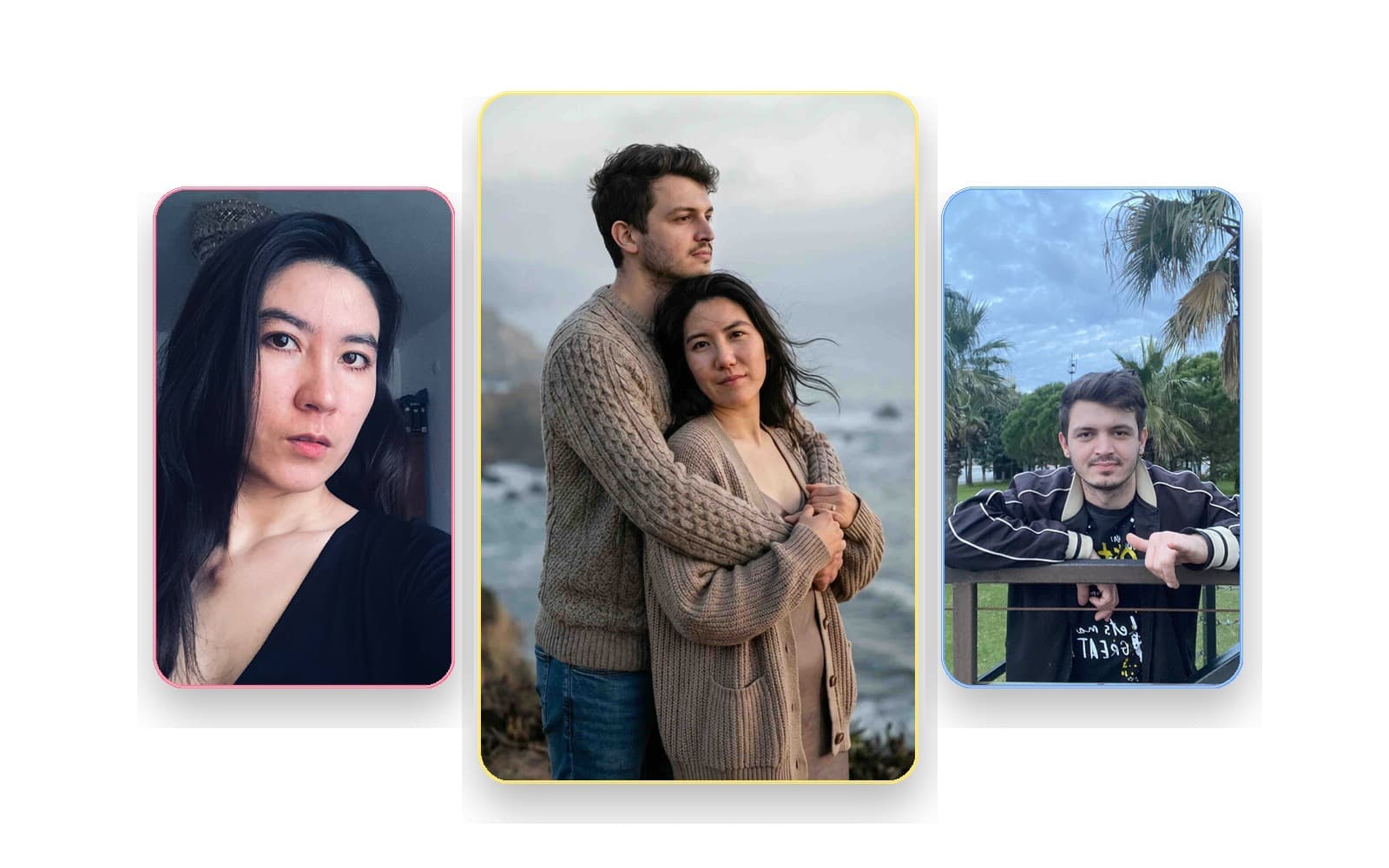
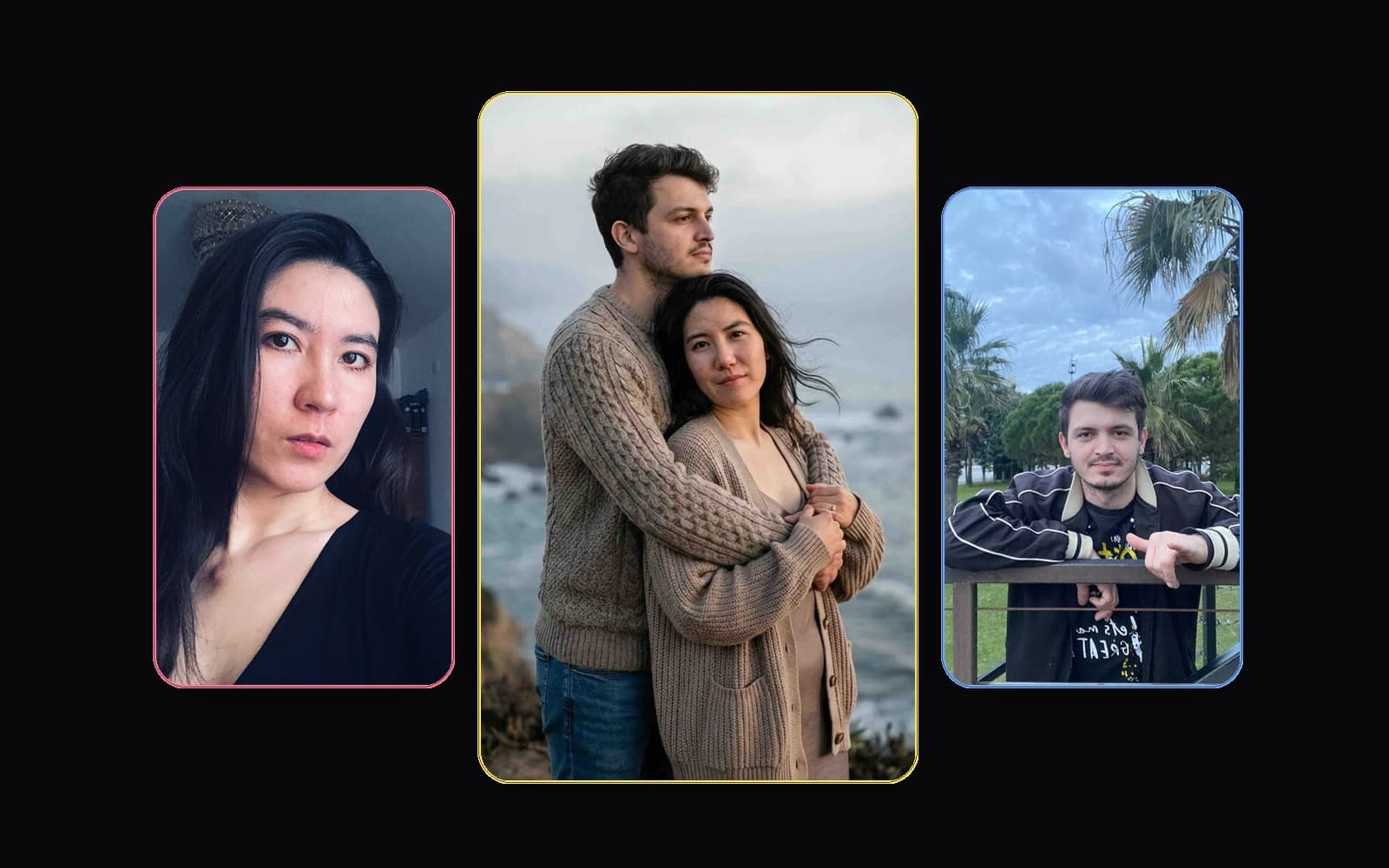
Why golden hour works:
- warm light hides minor harshness
- the mood feels romantic without becoming gimmicky
- it still supports believable pair composition
I would not start with a heavily stylized valentine or novelty scene unless you already know your inputs work.
Step 5: Judge the first output correctly
Do not ask only whether the image is pretty. Ask whether it feels plausible.
Check:
- do both faces still look like the real people
- do they look like they belong in the same frame
- does the pose feel natural
- does the lighting feel coherent
- does the result feel like one photoshoot instead of a merge
If the image is attractive but the people do not look recognizable, that is still a weak result.
Step 6: Fix the weakest part first
Most weak outputs fail for predictable reasons:
- one role has a much worse source set
- the style is too chaotic for the inputs
- one or both faces are not readable enough
- the result is over-stylized and loses likeness
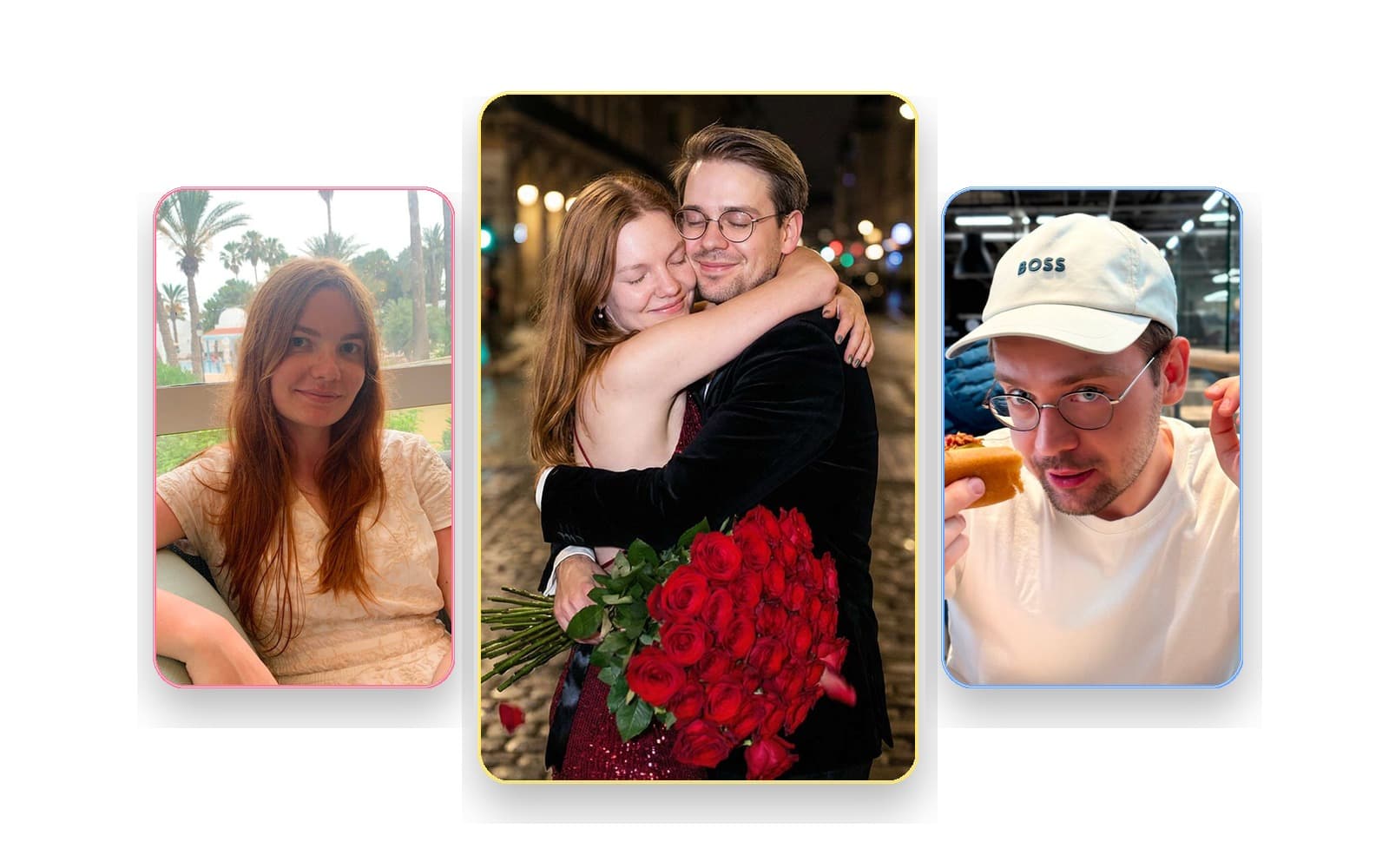
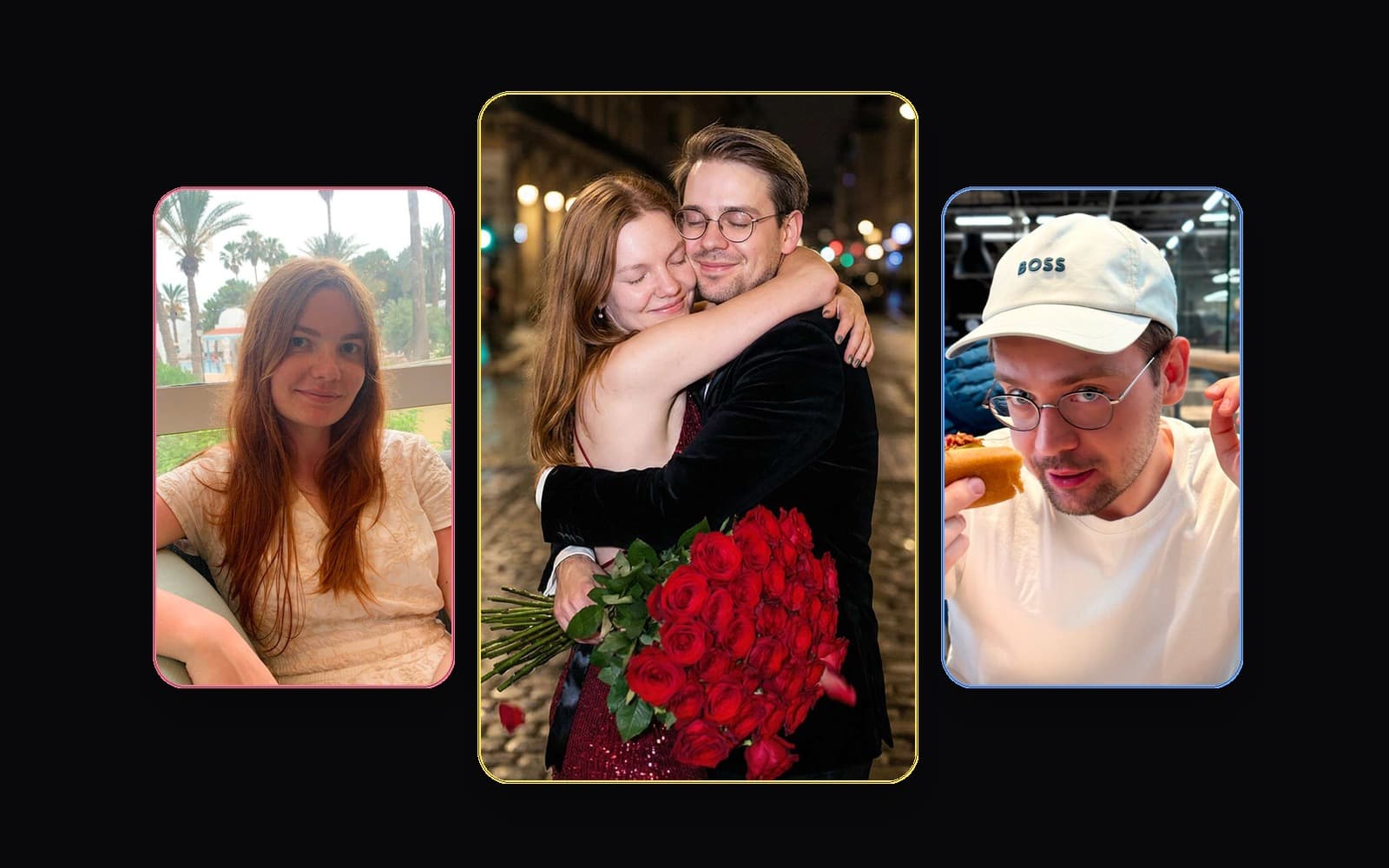
Use this order when fixing the next attempt:
- replace the weakest photo
- add more photos to the weaker role
- simplify the style
- retry only after the inputs are stronger
If you are not sure what to fix, fix the weaker input before anything else.
Best use cases for this workflow
Long-distance couples
This is one of the strongest PairFuse use cases. Separate selfies can become one polished shared photo without needing both people in the same city.
Gifts
This workflow works especially well for:
- anniversaries
- birthdays
- Valentine's Day
- romantic keepsakes
Wedding or editorial mood without a real shoot
If you want the feeling of a premium couple shoot without booking a studio, this is one of the most practical ways to get there.
If that is your use case, also read:
Final recommendation
If you want to make one couple photo from two separate photos, think of those two photos as the starting point, not the ideal final upload set.
Start with two usable photos. Upgrade each role to a stronger set if you can. Pick studio or golden hour first. Then judge the first result by resemblance and scene coherence, not just by beauty.
That is usually the shortest path to a result that feels real enough to keep.
FAQ
Can I really start with just two photos?
Yes. One separate photo of each person is enough to start. But for a stronger PairFuse result, you should usually add more photos for each role before your first serious attempt.
So is this article about two photos or about 3 to 7 photos per role?
Both, but in different ways. The search intent is about starting from two separate photos of two people. The product best practice is that PairFuse usually works better when each role has 3 to 7 photos.
Do the two photos need the same background or lighting?
No. Matching backgrounds are not required. Clear, readable faces matter more than matching locations.
Can AI make it look like we were photographed together?
Yes, that is the goal. A strong couple workflow should build one believable scene, not just place two faces next to each other.
What if one source photo is much worse than the other?
Fix that weaker input first. A strong photo set for one person cannot fully compensate for a weak one for the other person.
What style should I try first?
Usually studio first, then golden hour. Both are safer than more chaotic or novelty-heavy concepts.