Common Mistakes That Make AI Couple Photos Look Fake
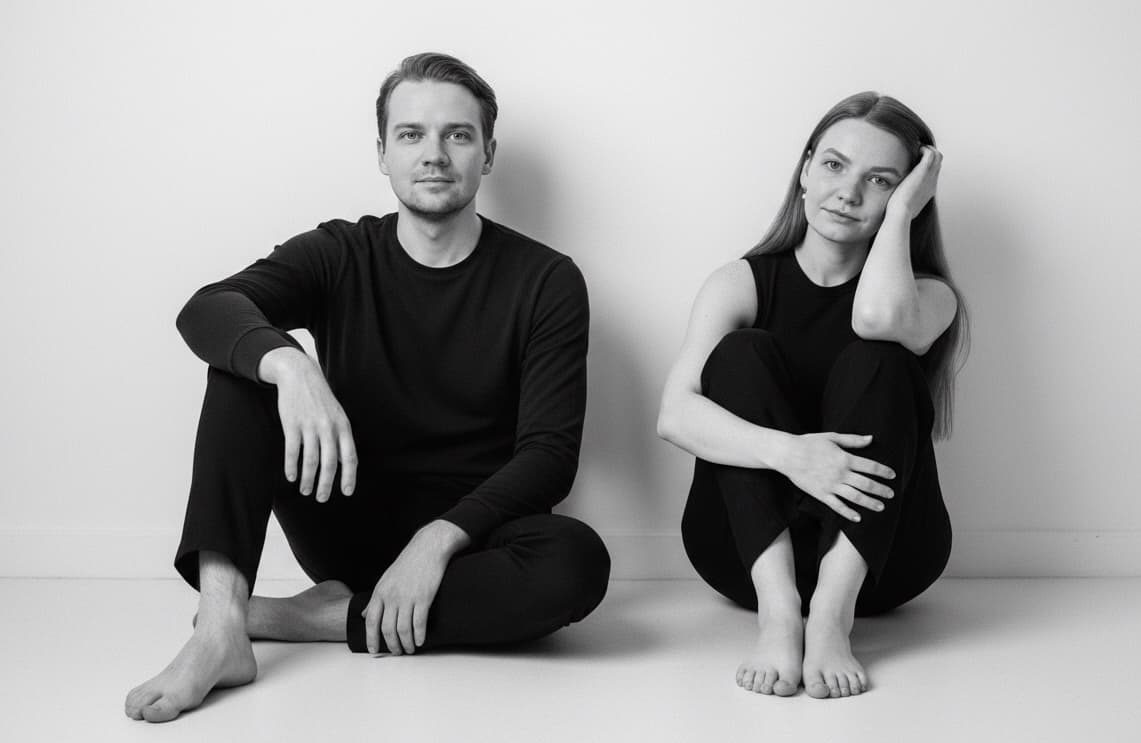
Most bad AI couple photos are not ruined by one catastrophic failure. They are ruined by a stack of small mistakes: weak inputs, poor style choices, over-processing, and unrealistic expectations.
If you can spot those mistakes early, you can usually fix the next attempt much faster.
Mistake 1: uploading photos with hidden or unclear faces
If the face is partly hidden, heavily shadowed, or too small in frame, the result usually loses resemblance.
Fix:
- use clearer, more front-facing images
- avoid sunglasses and heavy obstruction
- replace screenshots and blurry uploads
Mistake 2: using one strong photo and one weak photo
If one source image is crisp and flattering while the other is dark or noisy, the final image often feels unbalanced.
Fix:
- improve the weaker photo first
- try to keep input quality closer together
Mistake 3: choosing a chaotic concept too early
Busy scenes make it harder to preserve realism. If you start with a visually overloaded concept, the result can feel synthetic even when the faces are decent.
Fix:
- start with studio, golden hour, or clean wedding-style scenes
- move into more stylized concepts after you confirm likeness
Mistake 4: using heavily edited source photos
Beauty filters, skin smoothing, and face-shaping edits confuse the system about what the person actually looks like.
Fix:
- use more natural source images
- keep the inputs readable and real
Mistake 5: expecting “pretty” to mean “believable”
Some results are attractive but still do not feel like the real people. That is not good enough if your goal is a meaningful couple portrait.
Fix:
- judge the result by resemblance, chemistry, and scene coherence
- not only by color and polish
Mistake 6: ignoring the emotional read
Sometimes the faces look technically fine, but the couple still feels emotionally flat or awkward.
That usually happens when:
- the pose feels mechanical
- expressions feel disconnected
- the scene looks assembled instead of lived-in
Fix:
- choose styles with stronger visual warmth
- use source photos with more natural expressions
Mistake 7: trying to fix everything after generation
It is tempting to keep regenerating without changing the input conditions. Usually that wastes time.
Fix:
- replace the weakest input first
- simplify the style second
- evaluate realism again after that
Final recommendation
If your AI couple photos keep looking wrong, treat it like a workflow problem, not bad luck. Better source photos and cleaner style choices usually fix more than endless retries.
FAQ
What is the biggest mistake people make with AI couple photos?
Usually it is weak source photos. If the model cannot read the face clearly, likeness drops fast.
Do filters hurt AI results?
Yes. Strong filters often make the final result less believable.
Should I start with a simple style?
Yes. Clean styles usually make it easier to evaluate realism and resemblance.
Why does the image look polished but still wrong?
Because polish is not the same as realism. The image may still lack likeness, chemistry, or visual coherence.